Recommended
QuantV + Evolynx Realistic preset
QuantV reworks GTA V's lighting, weather and reflections. The Evolynx Realistic preset is a ReShade setup made for QuantV that adds a warm, filmic grade with bloom, sharper detail and wet-looking roads. Together they make Los Santos look a lot closer to real life, which suits a city full of the dead.
Before you start
- You need a PC that runs GTA V well on high settings. The preset costs frames, more so at night and in rain.
- Set Shaders and Post FX to Very High or Ultra in the game's graphics settings.
- Keep a backup of your game files before installing any graphics mod.
- Remove any other graphics mod first. Two of them fight each other and look worse than none.
Showcase
Shots by the preset's author, ayushm718 on GTA5-Mods. The cars are their own add-ons, not Dead City vehicles.
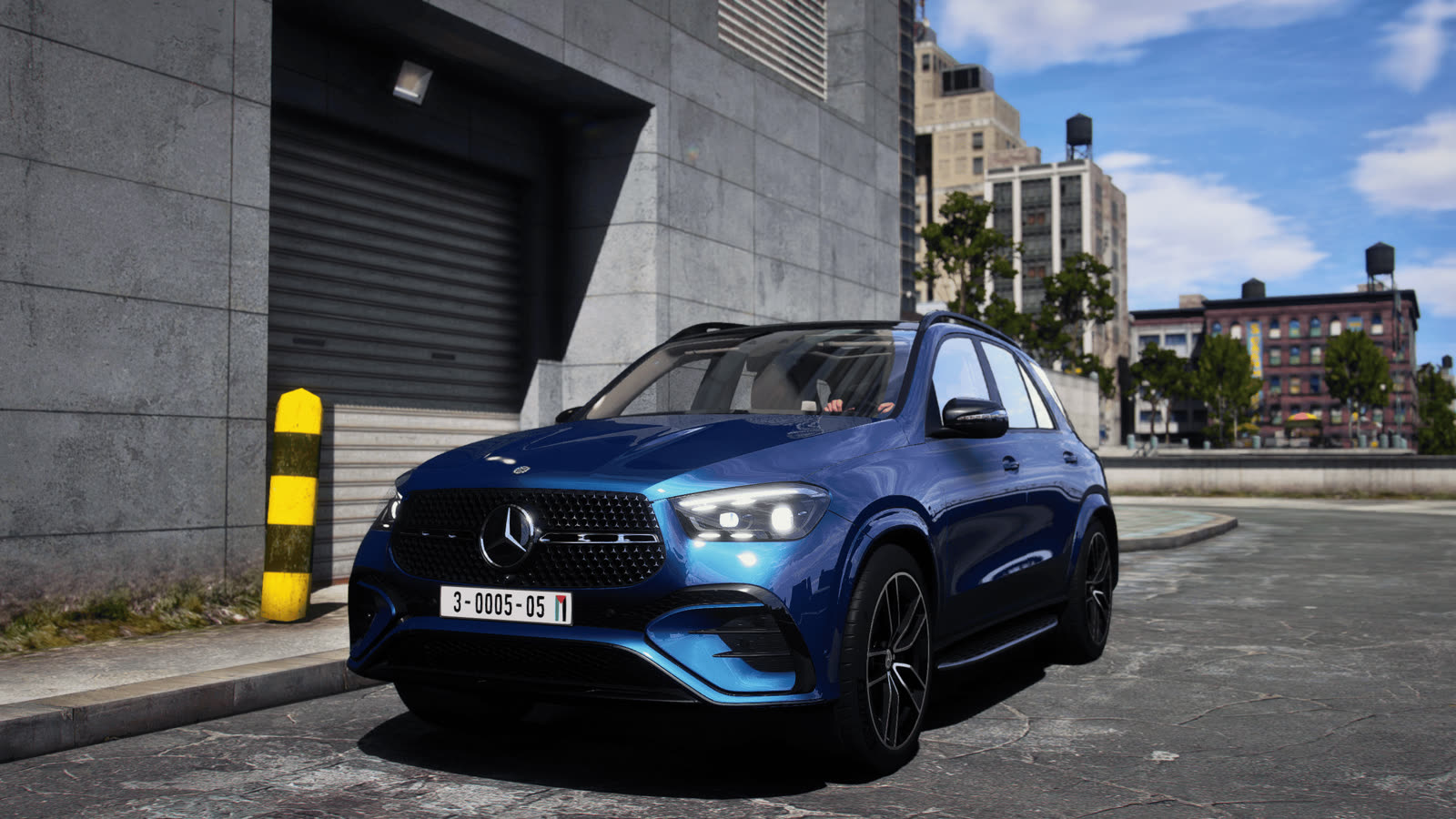
Downtown garage, daylight
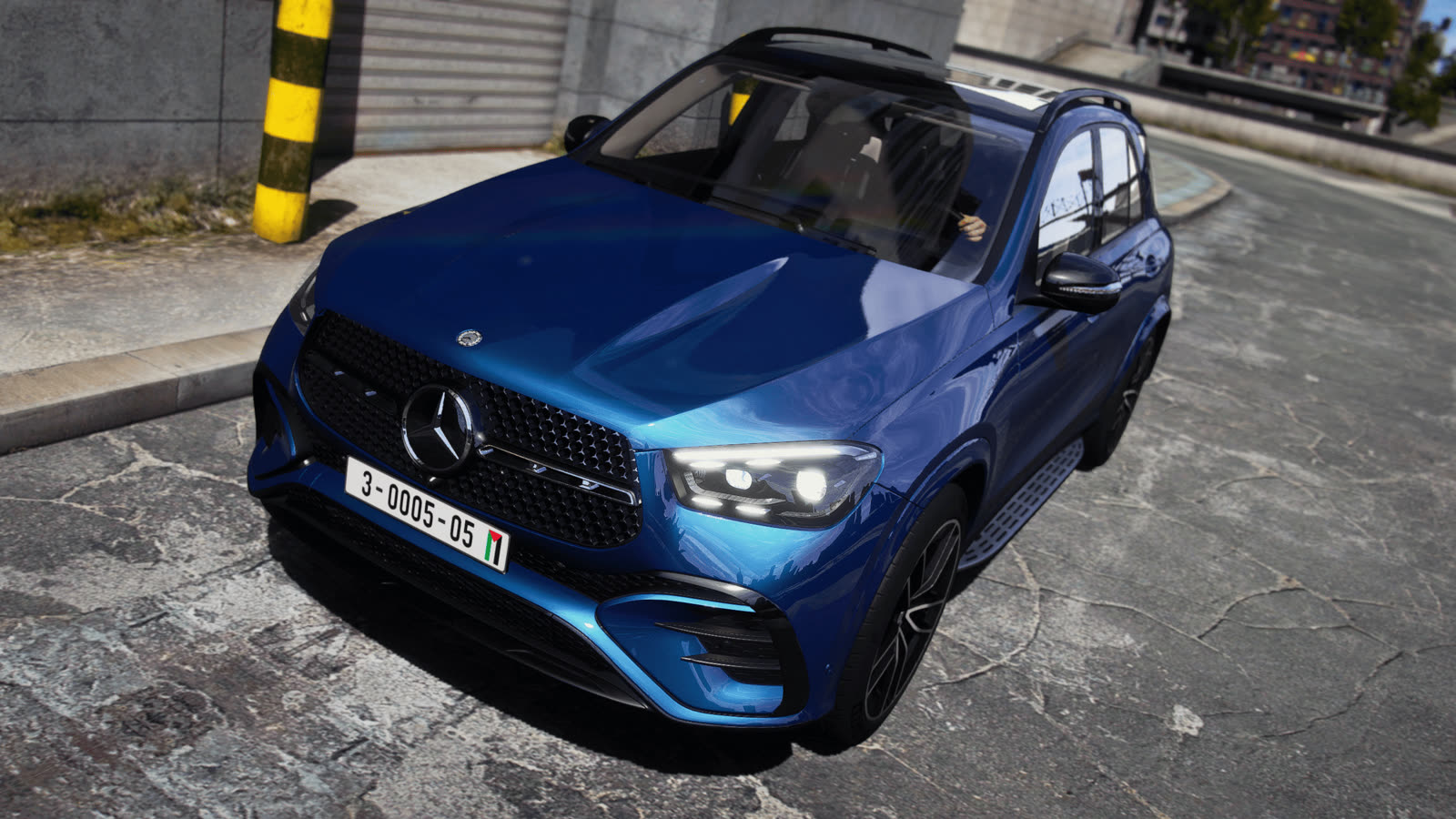
Close up on paint and reflections
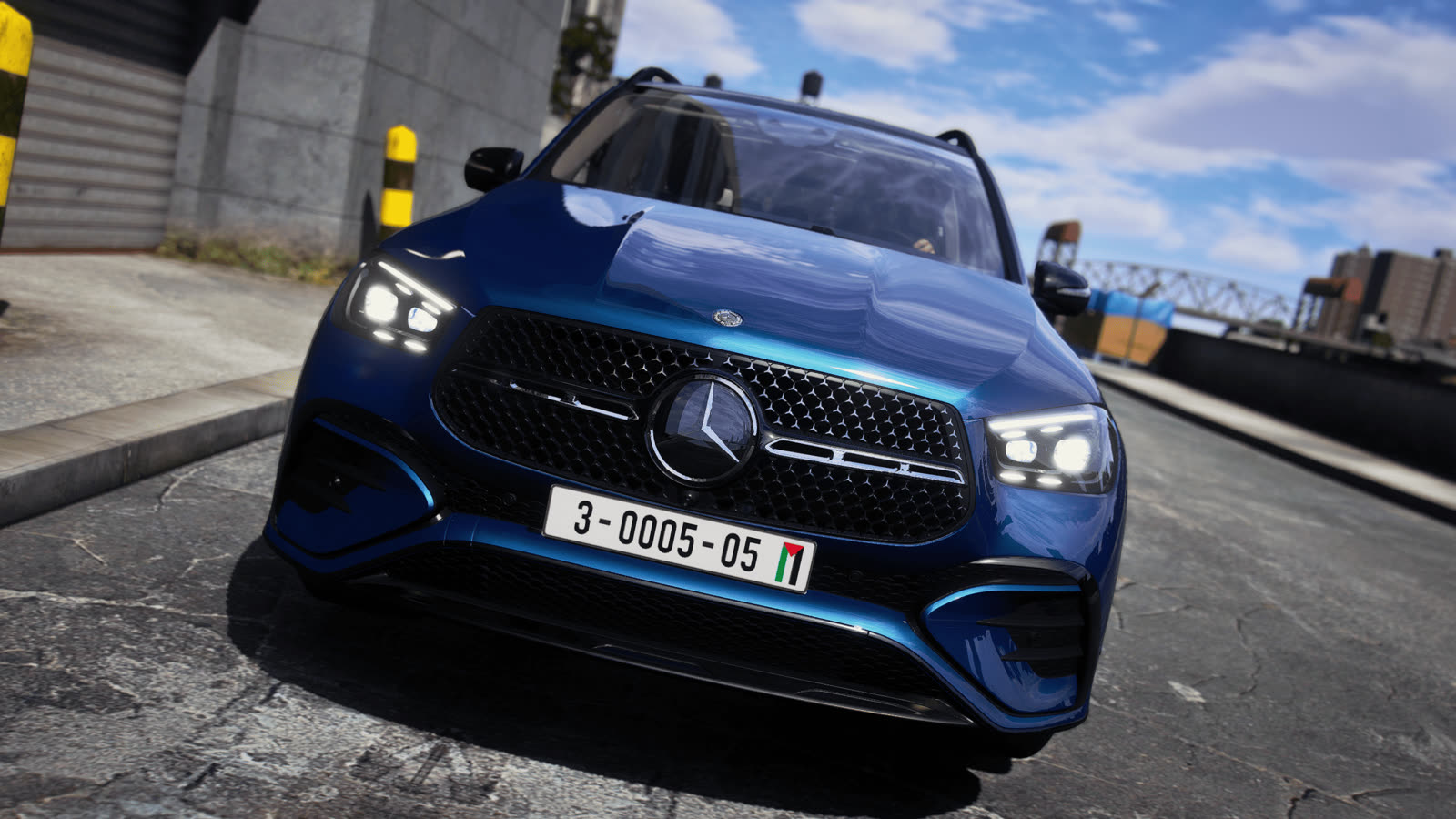
Headlights against the street
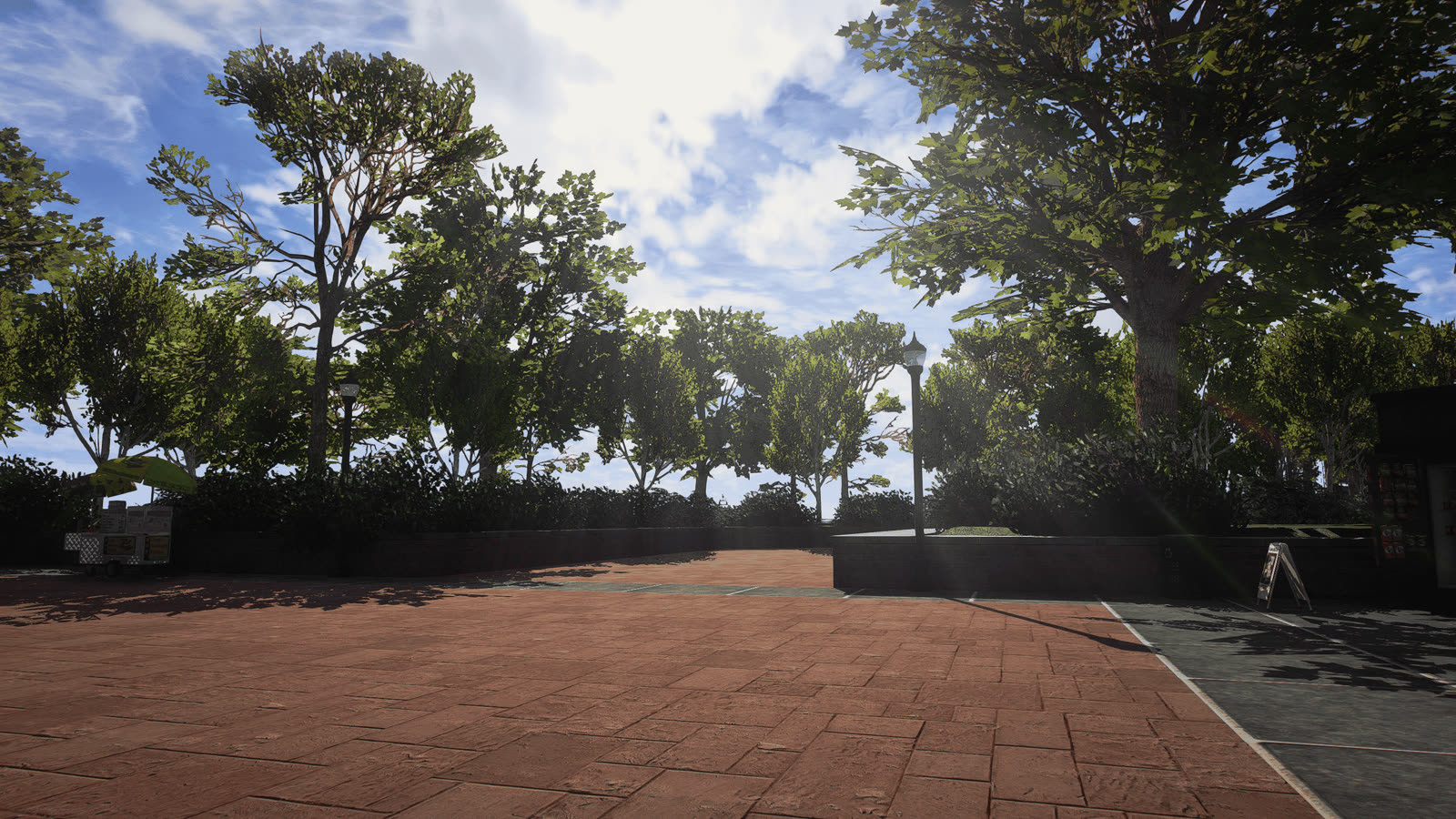
Tree-lined plaza, midday
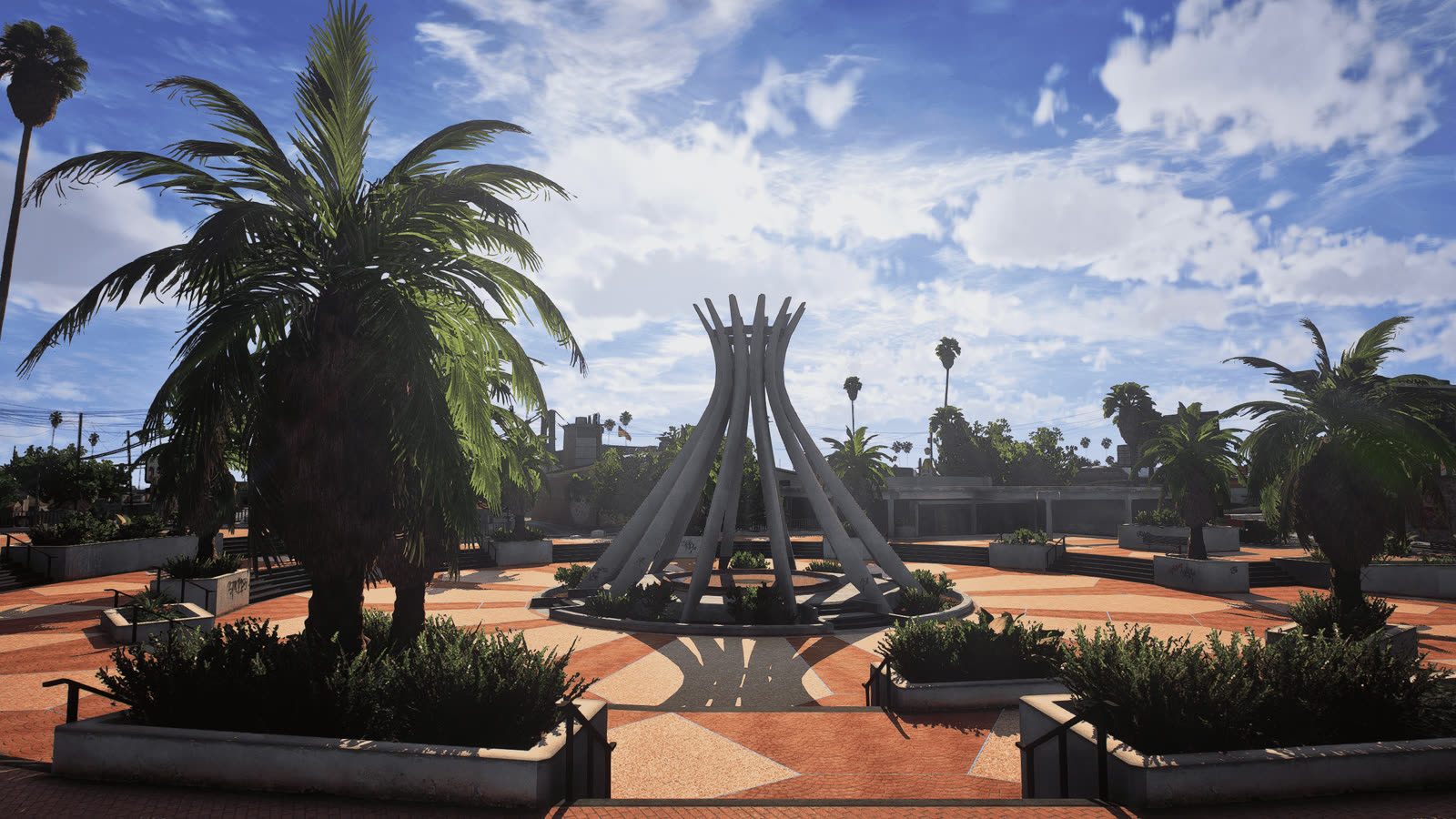
Palm plaza and sculpture
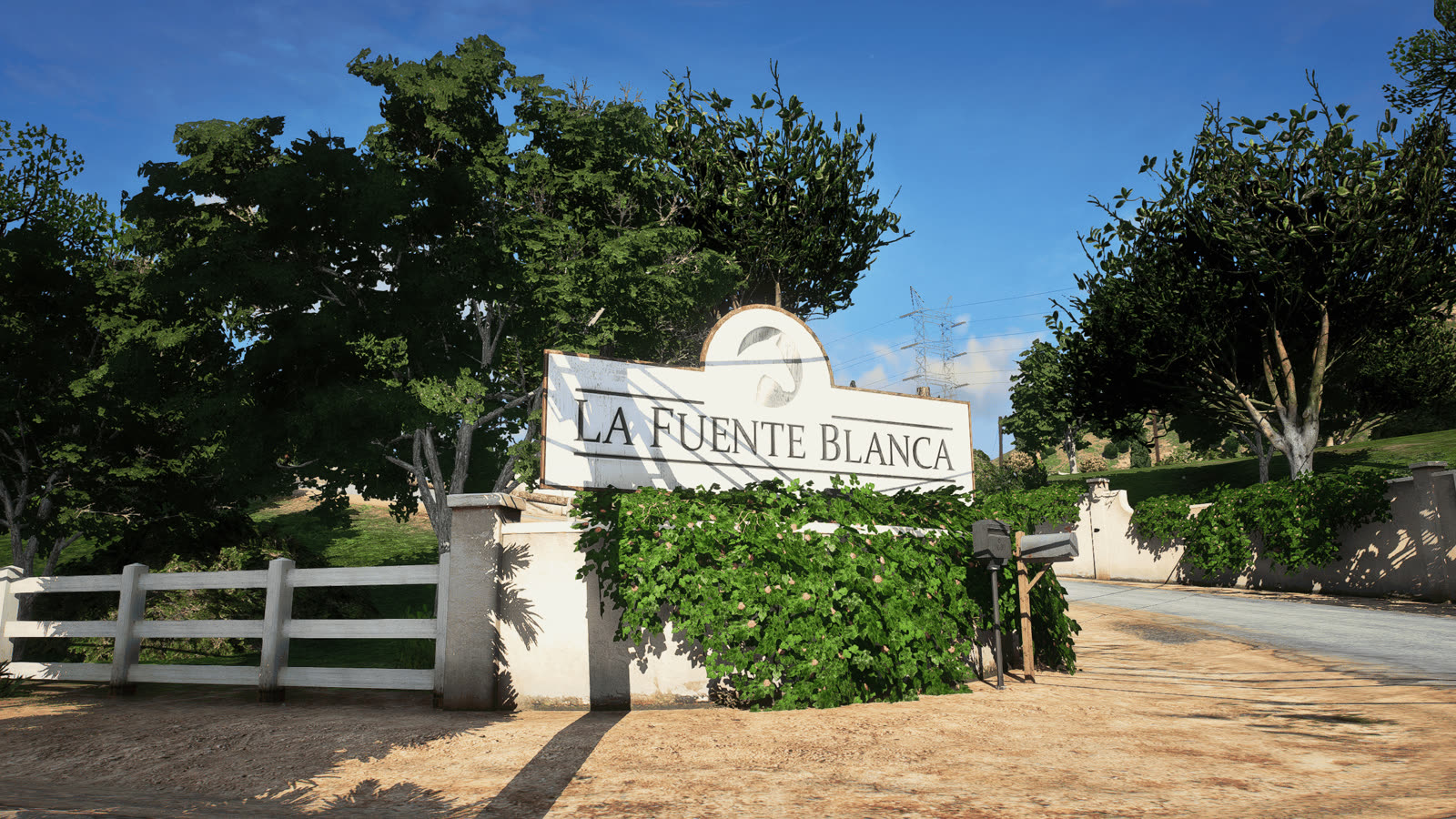
La Fuente Blanca in the hills
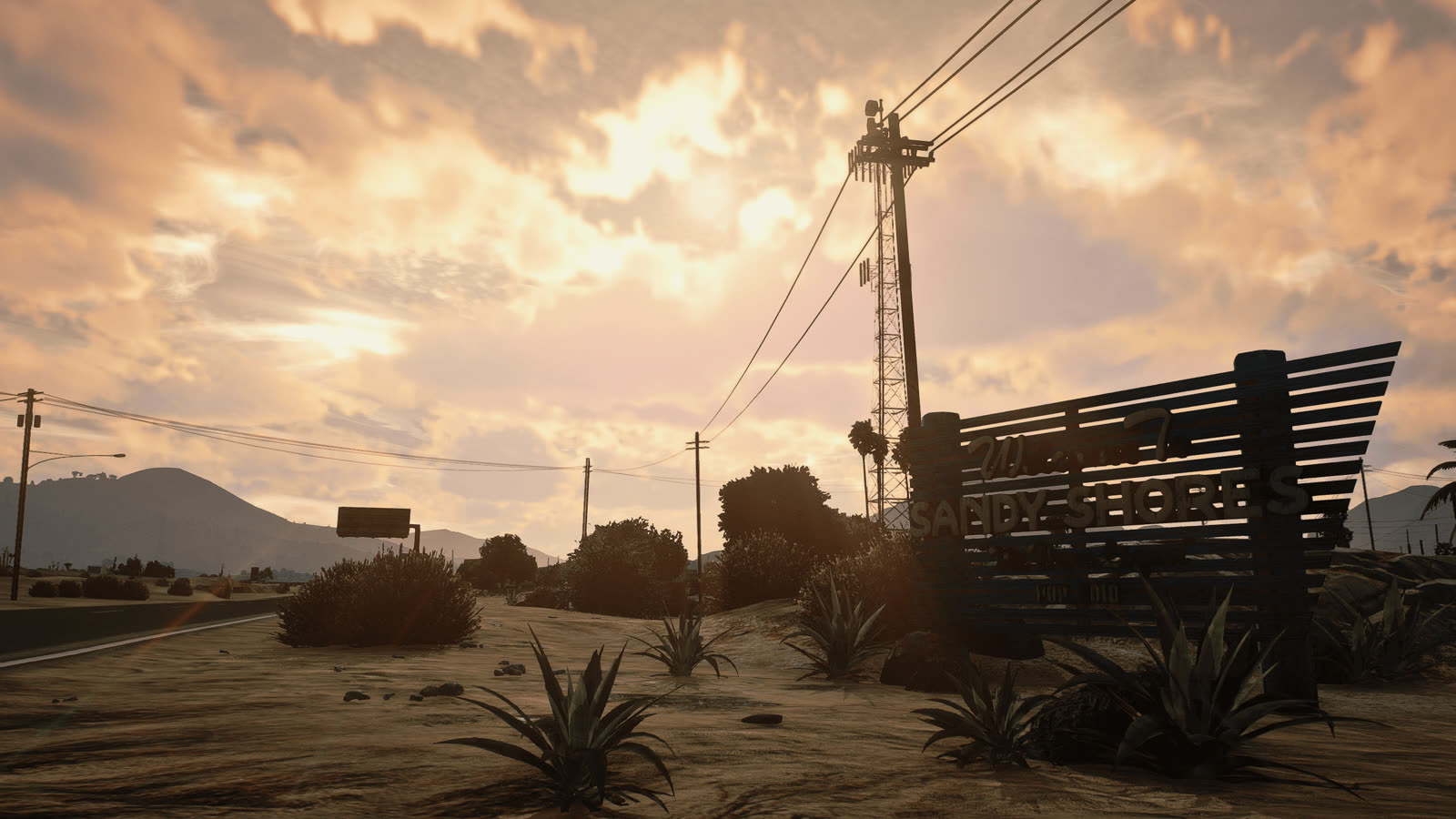
Sunset over the desert
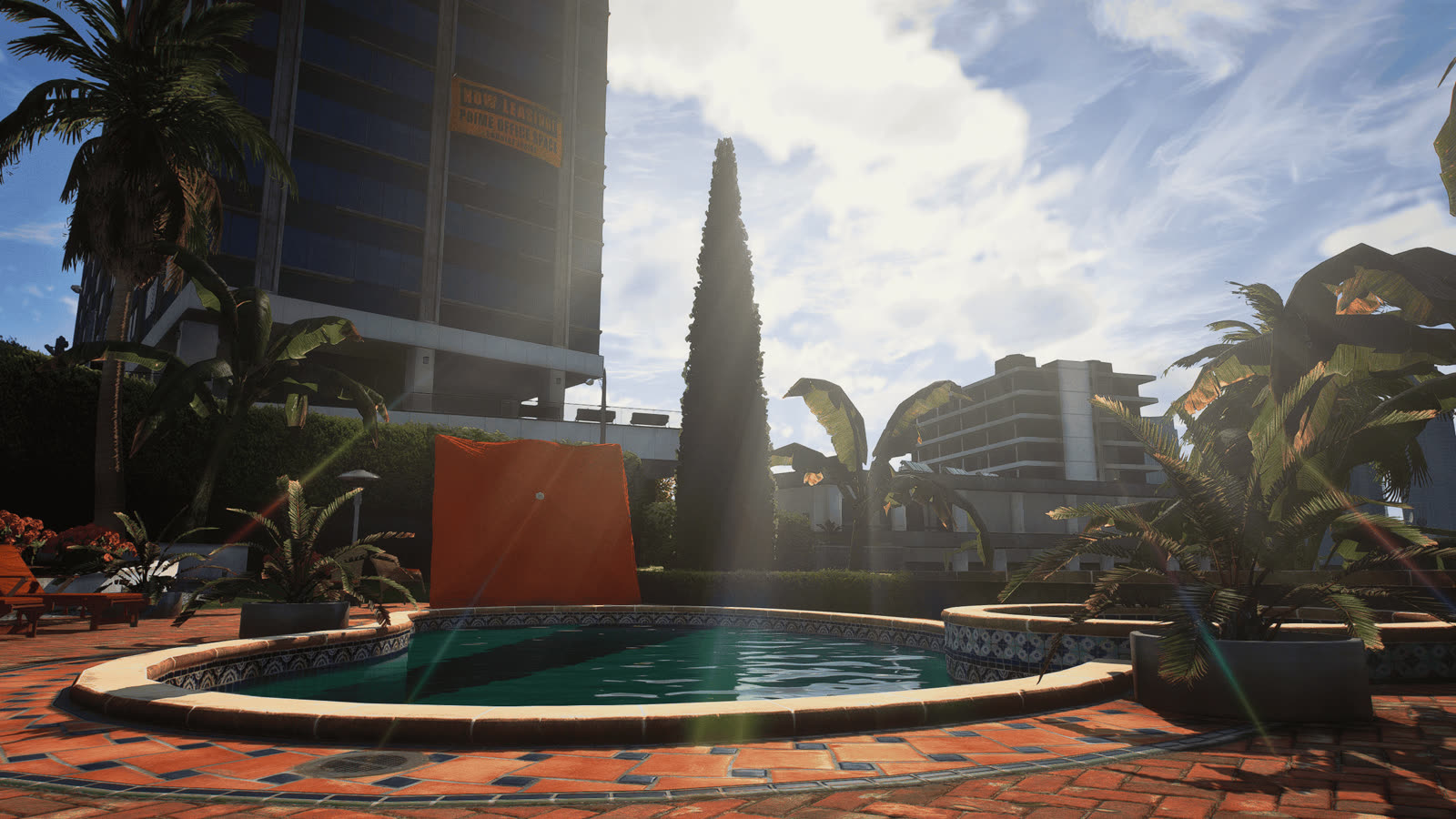
Pool in the afternoon sun
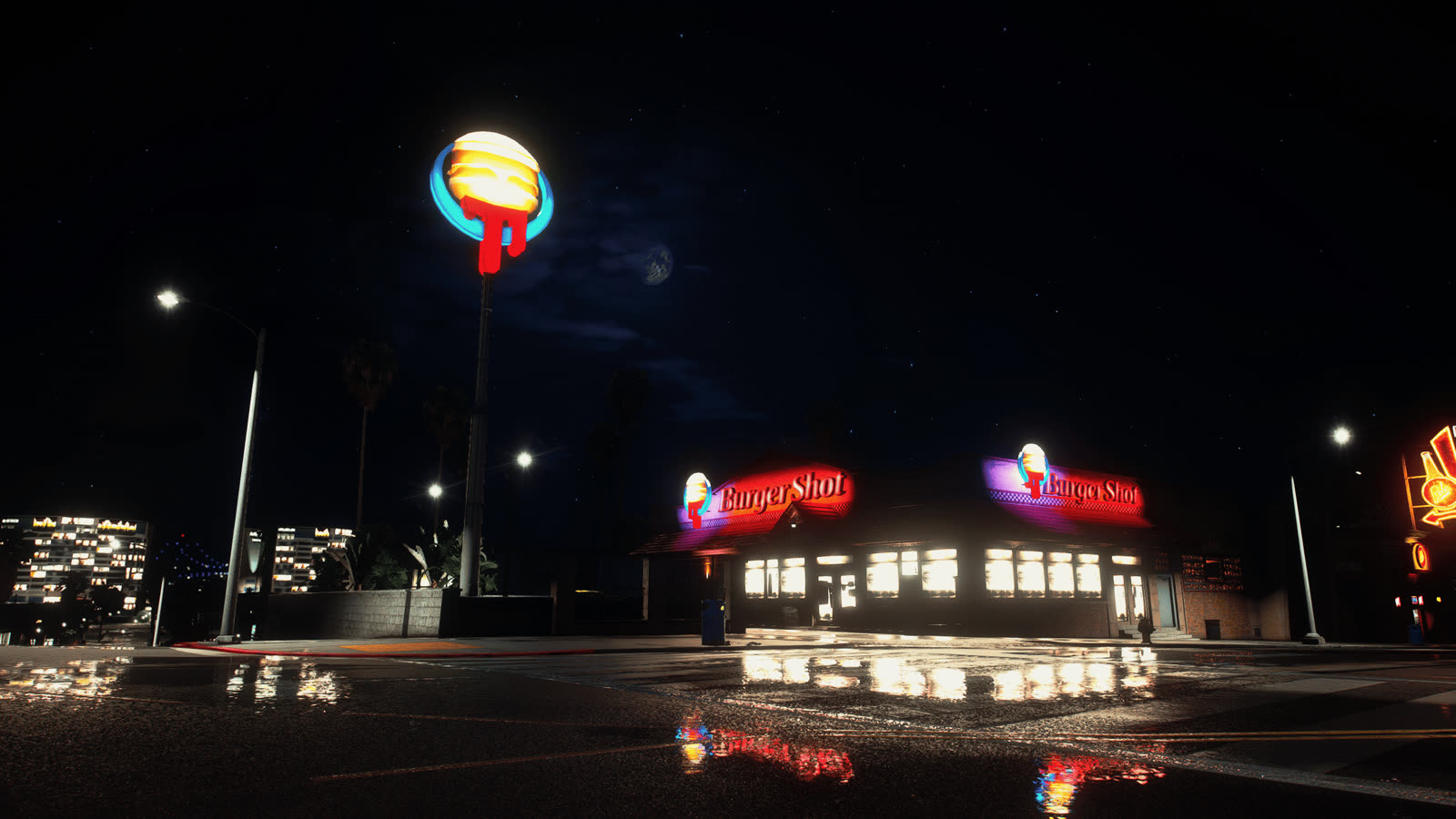
Burger Shot at night, wet road
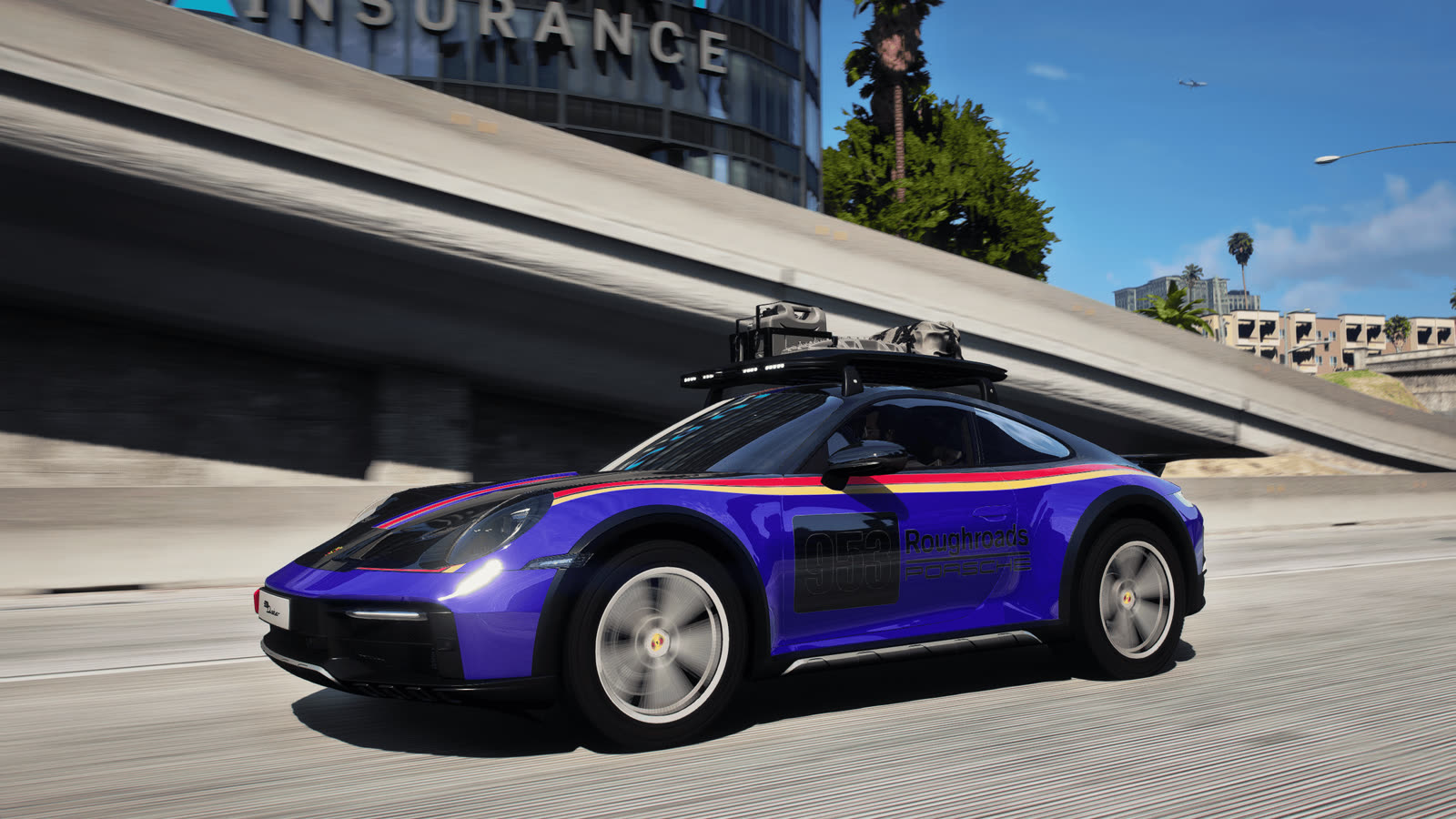
Under the freeway, side
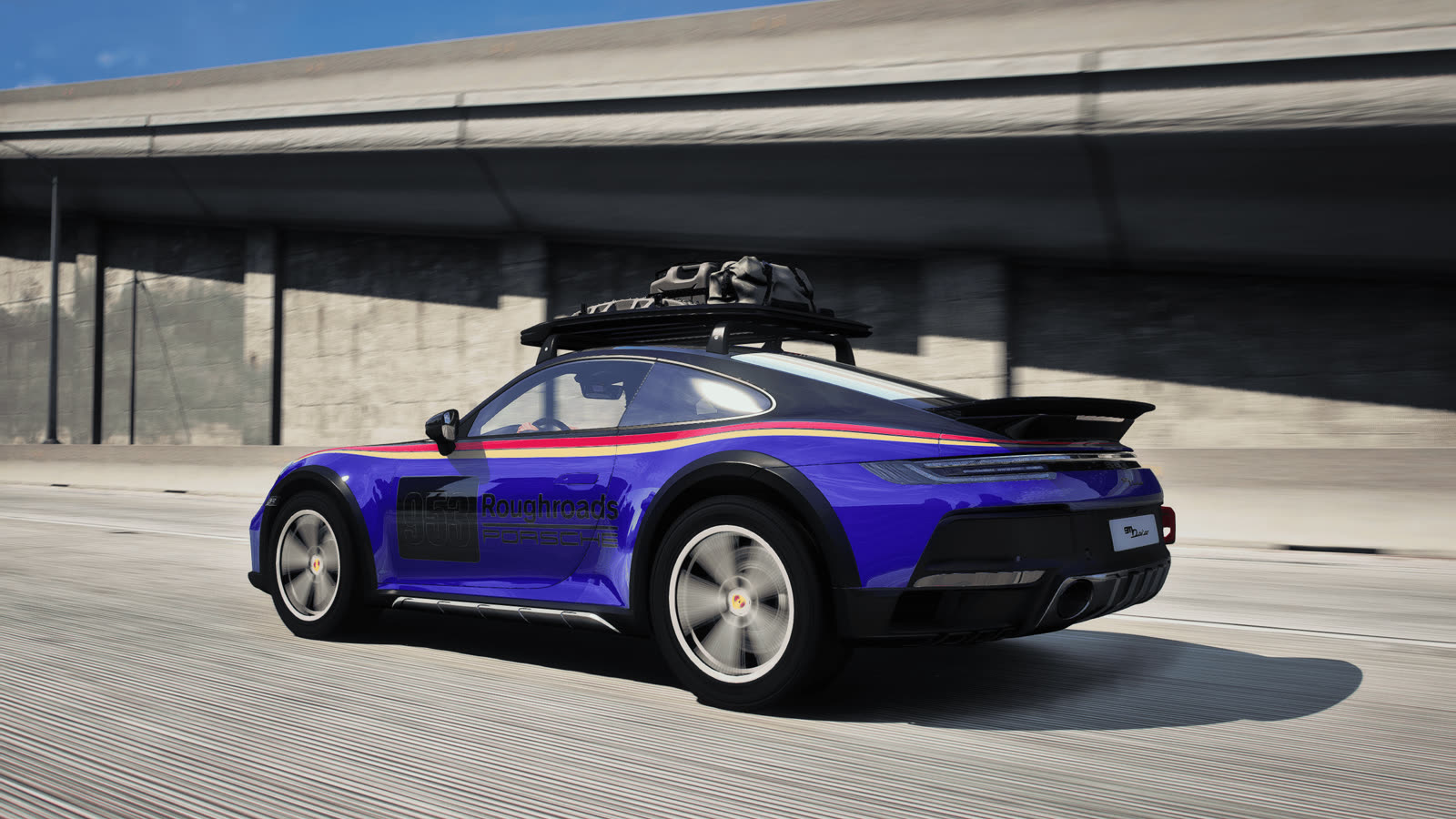
Under the freeway, rear
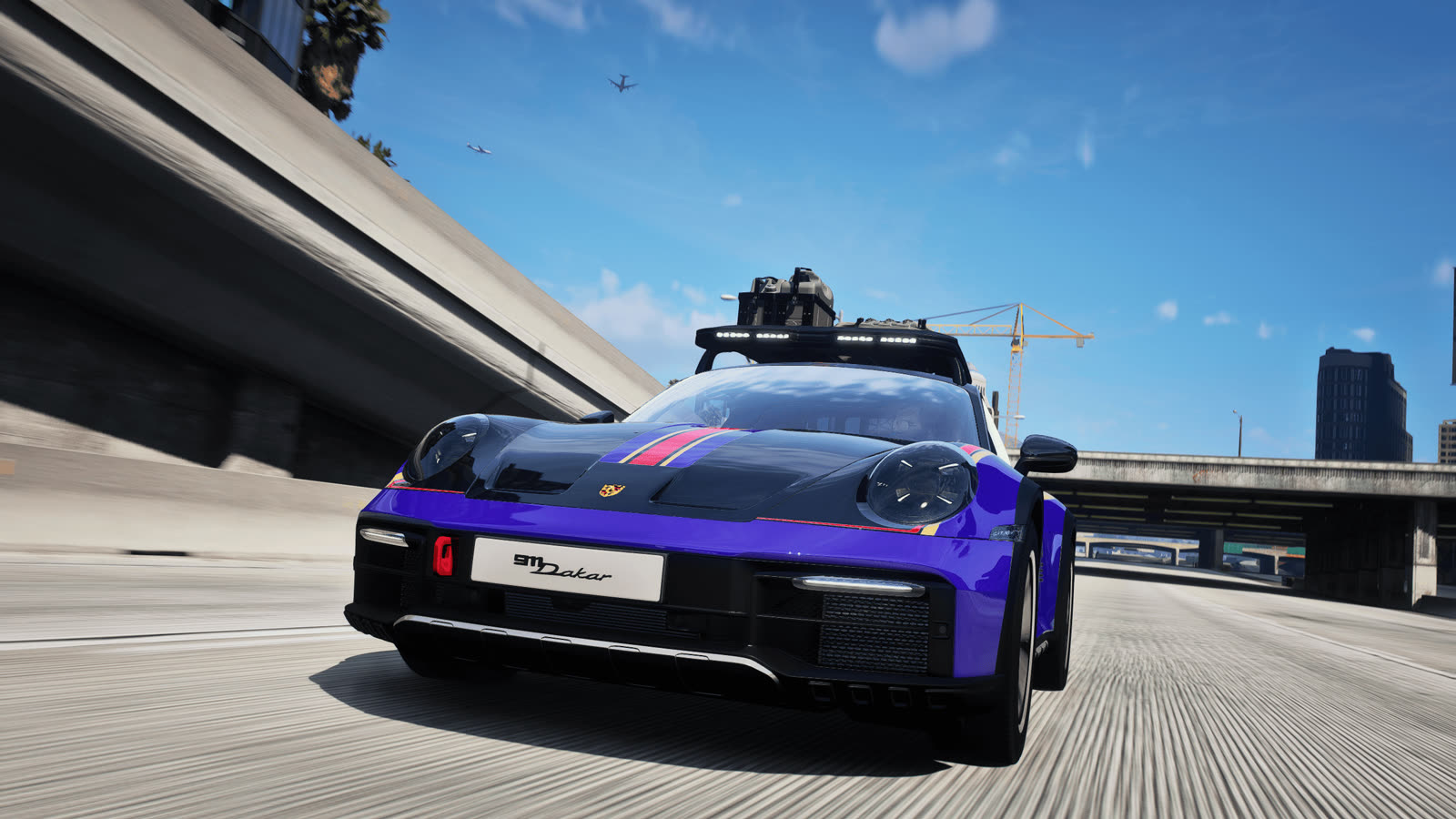
Under the freeway, front
How to set it up for FiveM
- Get QuantV from its Patreon and install it with the installer and instructions that come with it, including its FiveM part.
- Install ReShade for FiveM. FiveM loads ReShade from its own
pluginsfolder insideFiveM Application Data. - Download the preset from its GTA5-Mods page and copy
Evolynx Realistic Preset.iniinto that samepluginsfolder. - Join GRN Dead City, press Home to open ReShade and pick the Evolynx Realistic preset.
Stuck? Ask in the GTA V channel on our Discord. Graphics mods are allowed on Dead City, but cheats and mods that give you an edge are not.